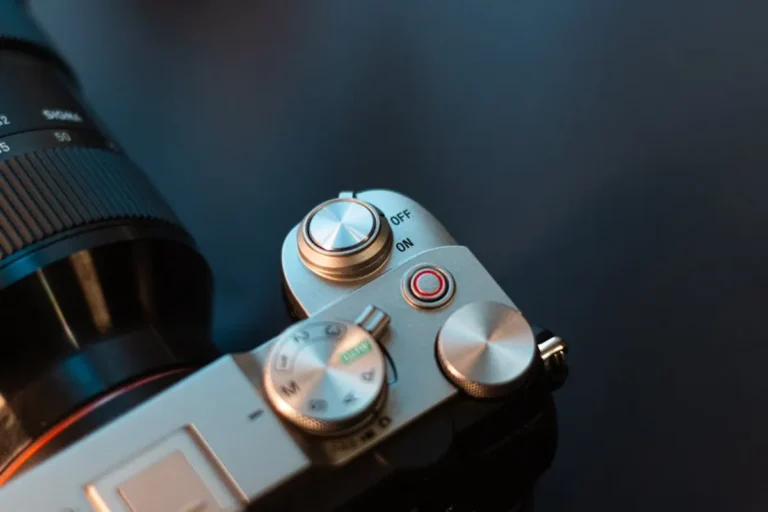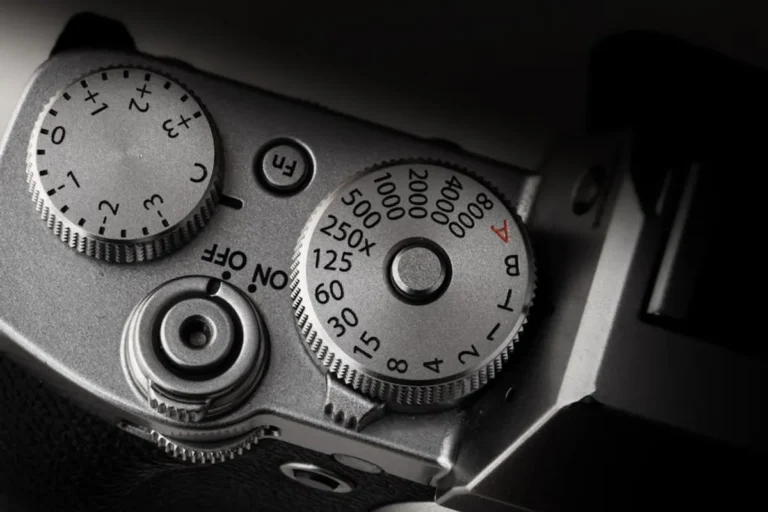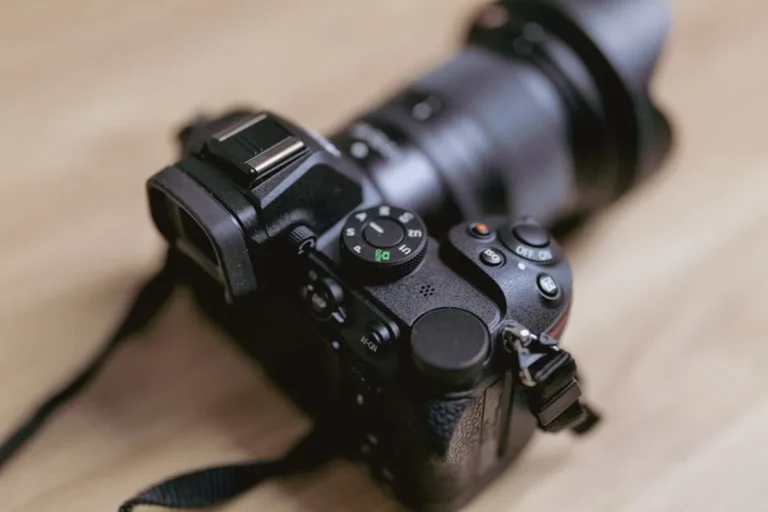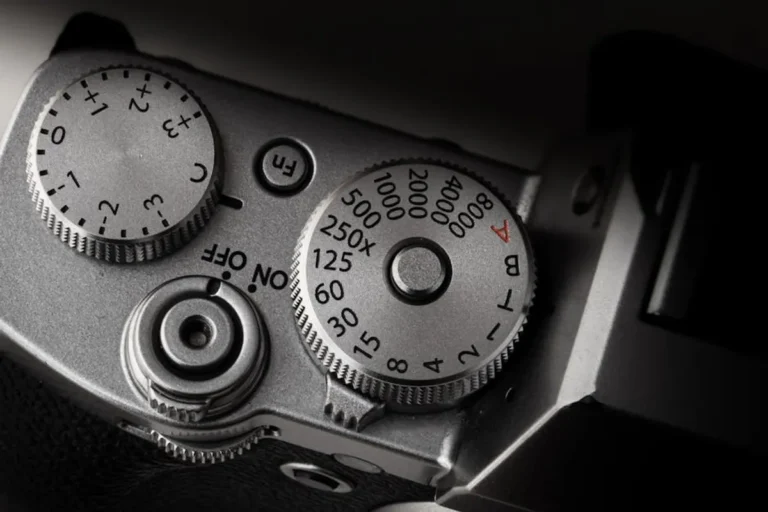
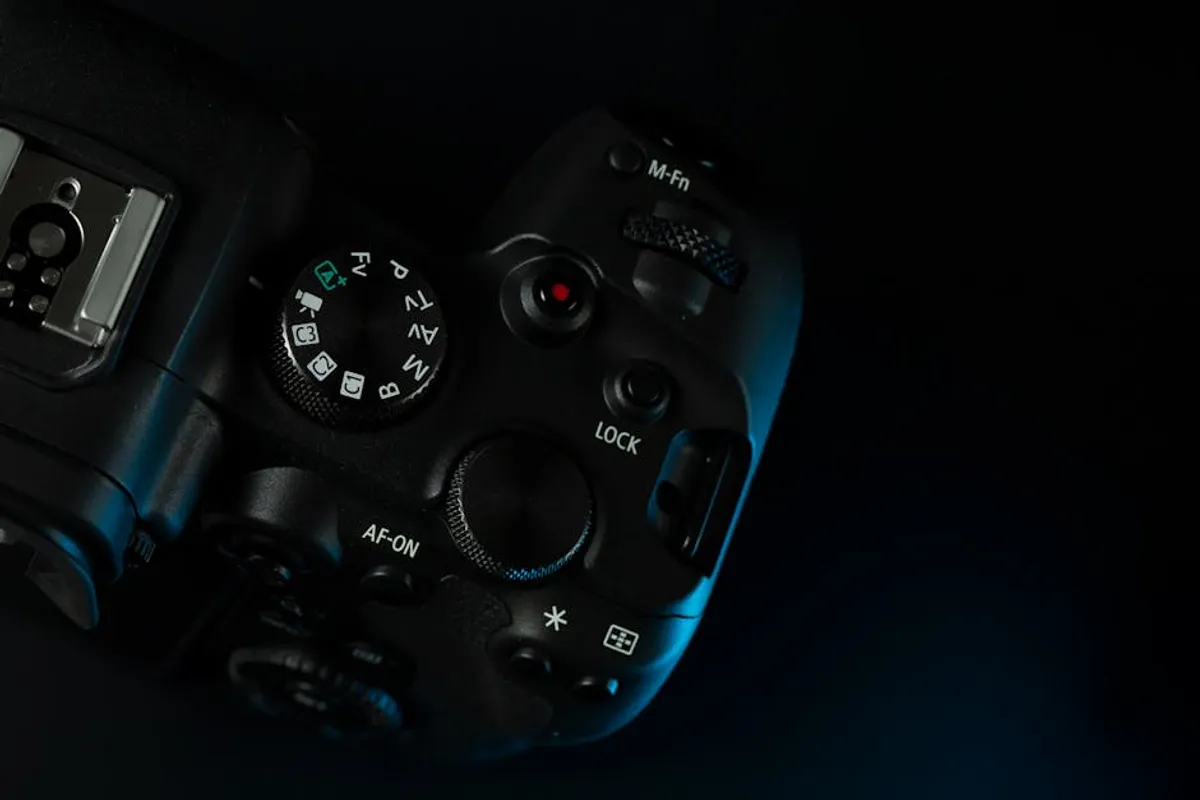
Beginning photography involves more than just pointing a camera and pressing a button. While modern cameras offer robust automatic modes, understanding fundamental settings unlocks creative control, allowing you to move beyond snapshots to intentional image creation. The initial learning curve can feel steep, with a lexicon of terms like aperture, shutter speed, and ISO often presented as isolated concepts. However, these settings work in concert, each influencing the final image in distinct ways. Mastering them means making deliberate choices about light, focus, and motion, directly impacting the mood and message of your photographs. This guide breaks down the essential camera settings, explaining their function and practical application, to provide a clear roadmap for any aspiring photographer aiming to take control of their craft.
Prioritizing Your Learning Path
Before diving into individual settings, recognize that three core elements form the "Exposure Triangle": Aperture, Shutter Speed, and ISO. These three settings are interdependent; changing one necessitates adjusting at least one of the others to maintain consistent exposure. For beginners, the most effective approach is to first grasp each component's individual effect, then understand their combined impact. Rather than attempting to master everything simultaneously, focus on one setting, practice until its function is clear, and then integrate the next. This iterative process builds foundational knowledge, allowing you to make informed decisions when moving into more advanced modes and specialized settings. Start with understanding how each controls light and its secondary creative effect, then practice balancing them for desired results.
1. Aperture (f-stop)
Aperture refers to the adjustable opening within your camera lens that controls the amount of light reaching the sensor and, critically, the depth of field. Measured in f-stops (e.g., f/1.8, f/5.6, f/16), a smaller f-number indicates a wider opening, allowing more light in and creating a shallower depth of field (more background blur). Conversely, a larger f-number signifies a narrower opening, reducing light and increasing the depth of field (more in focus).
Best for: Portraits (wide aperture for blurred backgrounds), landscapes (narrow aperture for sharp foreground-to-background focus), or controlling light in varied conditions.
Pros: Direct control over depth of field, enabling creative isolation of subjects; significant impact on overall image brightness.
Cons: Can be challenging to balance with shutter speed and ISO, especially in dynamic lighting; very wide apertures can make precise focusing difficult.
Verdict: Fundamental for creative control over focus and light, mastering aperture is essential for achieving professional-looking subject isolation or expansive, sharp scenes.
2. Shutter Speed
Shutter speed dictates the duration the camera's sensor is exposed to light. Measured in fractions of a second (e.g., 1/1000s, 1/60s) or full seconds, it directly influences how motion is captured. A fast shutter speed freezes motion, while a slow shutter speed allows for motion blur. It also directly impacts the amount of light recorded: faster speeds let in less light, slower speeds let in more.
Best for: Sports and action photography (fast speeds), capturing light trails or silky water effects (slow speeds), or preventing camera shake (faster speeds).
Pros: Precise control over motion rendition (freeze or blur); primary tool for managing light in bright conditions.
Cons: Slow shutter speeds require a tripod to prevent camera shake; very fast speeds may necessitate higher ISO or wider aperture in low light.
Verdict: Crucial for conveying movement or stillness in an image, shutter speed is a primary creative and technical control for dynamic scenes.
3. ISO
ISO represents the camera sensor's sensitivity to light. A lower ISO (e.g., 100, 200) indicates less sensitivity, producing cleaner images with minimal digital noise. A higher ISO (e.g., 1600, 3200) increases sensitivity, allowing for shooting in darker conditions but introducing more digital noise or grain, which can degrade image quality.
Best for: Low-light environments where aperture and shutter speed alone are insufficient; maintaining handheld shooting in dim conditions.
Pros: Enables shooting in challenging low-light situations; provides flexibility when aperture and shutter speed are fixed for creative reasons.
Cons: Higher ISO settings introduce digital noise, reducing image clarity and detail; can sometimes produce inaccurate colors.
Verdict: ISO acts as a light-gathering amplifier, a necessary tool for low-light photography, but its use requires careful consideration of the trade-off with image quality.
4. Program (P) Mode
Program mode is an automatic shooting mode where the camera selects both the aperture and shutter speed for a correct exposure. However, unlike full auto, P mode allows the photographer to adjust other settings like ISO, white balance, and flash, and often permits "program shift" to choose different aperture/shutter speed combinations while maintaining the same exposure value.
Best for: Situations requiring quick shooting without full manual control; learning the effects of other settings while exposure is handled.
Pros: Offers a balance between automation and creative control; ideal for beginners transitioning from full auto; provides consistent exposure.
Cons: Less creative control over depth of field and motion compared to aperture or shutter priority modes; camera might not always choose the ideal combination for artistic intent.
Verdict: A valuable stepping stone for beginners, Program mode offers reliable exposure while allowing exploration of other creative camera functions.
5. Aperture Priority (Av/A) Mode
In Aperture Priority mode, the photographer manually selects the desired aperture (f-stop), and the camera automatically sets the appropriate shutter speed for a correct exposure. This mode grants direct control over depth of field, making it popular for portraits and landscapes where background blur or overall sharpness is critical.
Best for: Portraits, macro photography, landscapes, or any scenario where depth of field is the primary creative concern.
Pros: Direct and intuitive control over depth of field; simplifies exposure calculations by automating shutter speed; excellent for consistent aesthetic across multiple shots.
Cons: Camera-selected shutter speed might be too slow in low light, leading to blur from camera shake or subject motion; requires monitoring shutter speed to avoid underexposure or blur.
Verdict: An indispensable mode for creative control, Aperture Priority allows photographers to prioritize focus and blur effects without fully managing exposure manually.
6. Shutter Priority (Tv/S) Mode
Shutter Priority mode allows the photographer to manually set the shutter speed, while the camera automatically adjusts the aperture to achieve a correct exposure. This mode is ideal for controlling how motion is rendered in an image, whether freezing fast action or creating intentional blur effects.
Best for: Sports, wildlife, children playing (fast shutter speeds); light painting, capturing water movement, or panning shots (slow shutter speeds).
Pros: Absolute control over motion capture; simplifies exposure by automating aperture; excellent for dynamic subjects.
Cons: Camera-selected aperture might result in undesired depth of field (e.g., too shallow or too deep); requires monitoring aperture to avoid over/underexposure or diffraction at very small apertures.
Verdict: Essential for photographers whose primary concern is capturing or conveying motion, Shutter Priority mode provides direct control over the time dimension of an image.
7. Manual (M) Mode
Manual mode gives the photographer complete control over all three elements of the Exposure Triangle: aperture, shutter speed, and ISO. The camera's light meter provides a reading, but it's up to the photographer to adjust settings to achieve the desired exposure. This mode demands a thorough understanding of how each setting interacts.
Best for: Consistent lighting conditions (studio, controlled environments); advanced creative control; learning the nuances of exposure; specific artistic effects.
Pros: Maximum creative control over every aspect of exposure; fosters a deeper understanding of photography fundamentals; ideal for achieving a specific, repeatable look.
Cons: Can be slow and challenging in rapidly changing light; requires constant monitoring of the light meter; steep learning curve for beginners.
Verdict: While demanding, Manual mode is the ultimate tool for precise creative vision, offering unparalleled control once the Exposure Triangle is fully understood.
8. White Balance
White Balance (WB) adjusts the color temperature of an image to ensure that white objects appear truly white, regardless of the ambient light source. Different light sources (e.g., sunlight, incandescent bulbs, fluorescent lights) emit different color casts. WB settings compensate for these casts, ranging from cooler (blue) to warmer (orange) tones.
Best for: Achieving accurate colors in various lighting conditions; correcting color casts; creating specific color moods.
Pros: Ensures natural and accurate color rendition; can be used creatively to enhance mood; pre-set options (Daylight, Cloudy, Tungsten, Fluorescent) simplify adjustments.
Cons: Incorrect settings can lead to unnatural color casts; auto white balance (AWB) is often reliable but can struggle in mixed or complex lighting.
Verdict: Critical for color accuracy, White Balance ensures your images reflect the true colors of a scene, preventing distracting color shifts.
9. Autofocus Modes
Autofocus (AF) modes determine how the camera locks focus on a subject. Common modes include Single-Shot AF (AF-S/One-Shot), which focuses once and locks; Continuous AF (AF-C/AI Servo), which continuously tracks moving subjects; and Auto AF (AF-A/AI Focus), which attempts to detect whether the subject is moving or stationary and switches modes accordingly.
Best for: AF-S for stationary subjects (portraits, landscapes); AF-C for moving subjects (sports, wildlife, children); AF-A for unpredictable subjects.
Pros: Significantly improves sharpness and reduces out-of-focus shots; different modes optimize for various subject types; faster and more accurate than manual focusing for many situations.
Cons: Can sometimes "hunt" for focus in low light or on low-contrast subjects; AF-A can be less reliable than manually selecting AF-S or AF-C for specific scenarios.
Verdict: Understanding and selecting the appropriate autofocus mode is paramount for achieving sharp, in-focus images, especially with dynamic subjects.
10. Metering Modes
Metering modes instruct the camera on how to measure the light in a scene to determine the correct exposure. Common modes include Evaluative/Matrix (analyzes the entire scene), Center-Weighted (prioritizes the center of the frame), and Spot (measures a very small, specific area). Each mode is designed for different lighting challenges and subject compositions.
Best for: Evaluative/Matrix for general, evenly lit scenes; Center-Weighted for subjects centrally located with potentially complex backgrounds; Spot for precise exposure on a small, specific part of the subject.
Pros: Helps the camera achieve accurate exposure in diverse lighting conditions; allows for creative exposure decisions (e.g., exposing for highlights or shadows).
Cons: Incorrect mode selection can lead to over or underexposure; Spot metering requires precise aiming and understanding of tones.
Verdict: Metering modes are essential for telling the camera where to prioritize its exposure calculations, ensuring your subject is correctly exposed even in challenging light.
11. Drive Modes
Drive modes control how the camera takes pictures when the shutter button is pressed. Key modes include Single Shot (one photo per press), Continuous/Burst (multiple photos per press, ideal for action), and Self-Timer (a delay before taking the photo, useful for self-portraits or tripod shots to avoid camera shake).
Best for: Single Shot for deliberate, posed subjects; Continuous for capturing peak action or expressions; Self-Timer for sharp tripod shots or group photos including the photographer.
Pros: Optimizes for different shooting scenarios, from static to fast-paced; helps capture fleeting moments; reduces camera shake with self-timer.
Cons: Continuous mode can quickly fill memory cards; single shot might miss critical moments in action photography.
Verdict: Drive modes offer practical control over the capture sequence, allowing photographers to adapt to the pace and nature of their subjects.
12. Exposure Compensation
Exposure Compensation allows the photographer to fine-tune the camera's automatically calculated exposure, making the image intentionally brighter (positive compensation) or darker (negative compensation). This is particularly useful in semi-automatic modes (P, Av, Tv) when the camera's meter is fooled by unusual lighting, such as bright snow or a dark subject against a bright background.
Best for: Adjusting exposure in high-contrast scenes; correcting for tricky lighting that confuses the camera's meter; achieving a specific creative brightness.
Pros: Provides quick and intuitive control over brightness without switching to Manual mode; essential for challenging lighting conditions.
Cons: Easy to forget to reset, leading to incorrectly exposed subsequent shots; less precise than full manual control in extreme situations.
Verdict: Exposure Compensation is a vital tool for making subtle, on-the-fly adjustments to exposure, ensuring your images are neither too bright nor too dark.
13. File Format (JPEG vs. RAW)
This setting determines how your camera processes and saves image data. JPEG (Joint Photographic Experts Group) is a compressed format, universally compatible, and ready for immediate use. RAW files, conversely, are uncompressed and contain all the data captured by the sensor, offering maximum flexibility for post-processing but requiring specialized software to edit and convert.
Best for: JPEG for quick sharing, smaller file sizes, and minimal post-processing; RAW for maximum image quality, extensive editing, and archival purposes.
Pros: JPEG offers convenience and smaller file sizes; RAW provides unparalleled flexibility for exposure, white balance, and color correction in post-production, preserving more detail.
Cons: JPEG has limited editing latitude and applies in-camera processing irrevocably; RAW files are significantly larger, require more storage, and necessitate a post-processing workflow.
Verdict: Choosing between JPEG and RAW impacts your workflow and creative control, with RAW offering superior quality and editing potential for those willing to invest in post-processing.
14. Image Stabilization (IS/VR/OS)
Image Stabilization is a technology, either in the lens or camera body, that counteracts camera shake, allowing for sharper images at slower shutter speeds than would otherwise be possible handheld. It works by detecting movement and shifting lens elements or the sensor to compensate.
Best for: Handheld shooting in low light; using longer focal length lenses; situations where a tripod is not feasible.
Pros: Significantly reduces blur from camera shake, especially at slower shutter speeds; improves sharpness in challenging conditions; allows for lower ISO settings.
Cons: Can sometimes cause blur when shooting from a moving platform or with very fast shutter speeds (though modern systems often auto-detect); adds cost and weight to lenses or bodies.
Verdict: Image Stabilization is a valuable feature for achieving sharper handheld shots, extending your ability to capture clear images in less-than-ideal conditions.
15. Focus Points
Focus points are specific areas within your camera's viewfinder or LCD screen that the autofocus system uses to detect and lock onto a subject. Cameras offer various ways to select and use these points, from a single, user-selectable point to dynamic area modes that use multiple points to track a moving subject.
Best for: Precise focusing on a specific part of a subject (e.g., a person's eye); tracking moving subjects